Save File Finder
Can't locate your save file? On Windows, Everything by voidtools finds it in seconds.
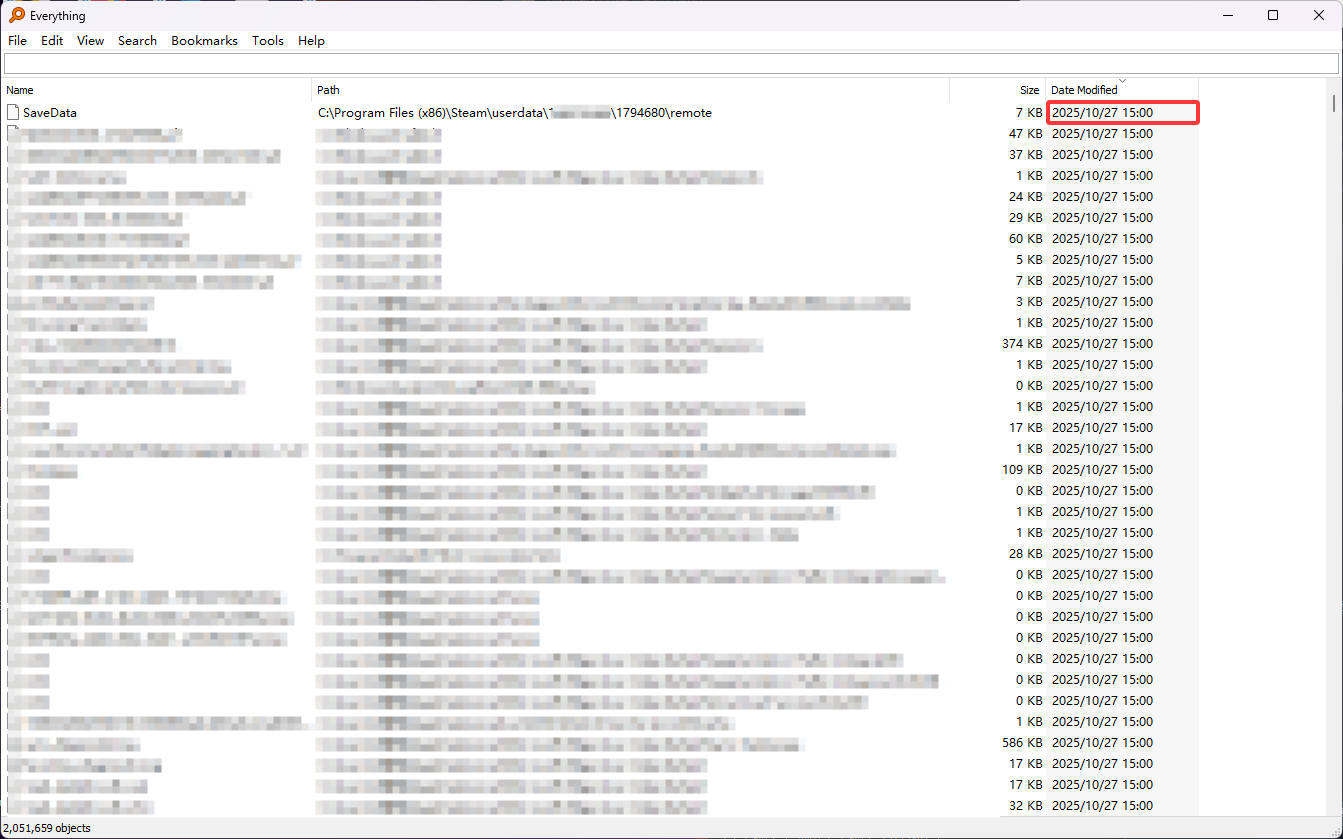
Quick Steps (Windows)
- Install or run Everything.
- Type your game name (e.g.,
Vampire,Balatro) or likely save keywords (e.g.,save,saves,profile,slot,.sav,.json). - Open a few promising folders from the results (right-click → Open Path).
- Once you confirm the real save folder, use it in the editor's upload dialog.
Useful filters
*.sav,*.save,*.json,*profile*path:"\AppData\Roaming"orpath:"\userdata\<SteamID>"regex:.*(save|slot|profile).*(enable regex in Everything)
Common Save Locations (FYI)
- Steam Cloud:
C:\Program Files (x86)\Steam\userdata\<SteamID>\<AppID>\remote - AppData (Roaming):
C:\Users\%USERNAME%\AppData\Roaming\<Game> - AppData (Local/LocalLow):
C:\Users\%USERNAME%\AppData\LocalLow\<Vendor>\<Game> - Documents:
Documents\My Games\<Game>
These vary by engine and developer. When in doubt, search with Everything.